
Provide the controlled 2D/3D drawing, material requirement, annual quantity, finishing requirement, critical dimensions, target market and delivery date.
Request a Quote / Upload Drawing
Upload your CAD and request a die casting review
The RFQ form is designed to collect the commercial and engineering information needed for a project review.
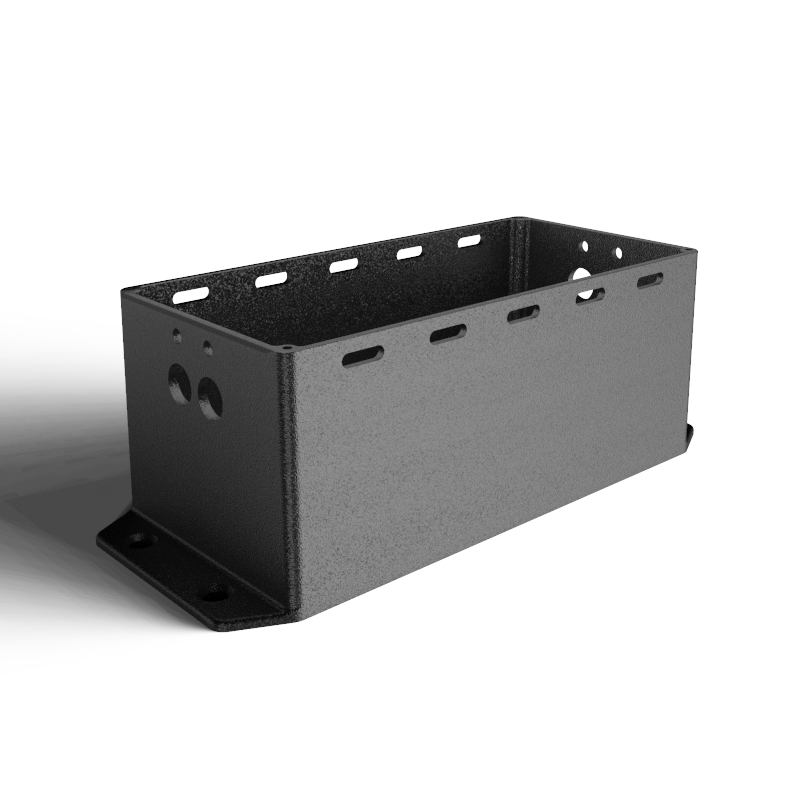 Drawing upload and RFQ
- Formats
- STEP / IGS / DWG
- Materials
- Al / Zn / Mg
- Review
- DFM first
- Next
- Sample plan
RFQ / Drawing Upload
Send the drawing. Get the engineering questions first.
Upload the file that defines the part. Add the quantity and finishing requirement so the quotation can be scoped correctly.
- 01 STEP, STP, IGS, DWG, DXF, PDF or ZIP
- 02 Material, annual volume and finishing
- 03 NDA option for confidential programs
Buyer questions
Questions to resolve before production.
These answers define the normal project path and the information needed for a useful quotation.
An initial feasibility discussion is possible, but the quotation and tooling scope should be based on a controlled drawing revision.
Tolerance and inspection requirements are defined from the drawing, critical features, process capability and agreed datum strategy.
Ownership, storage, maintenance and transfer terms are defined in the quotation or supply agreement before the tooling project starts.
Related pages
Continue through the project path.
Use the internal links to connect the material, process, industry, product and RFQ pages around one project decision.
Send the drawing. Get the engineering questions first.
Include the material, annual quantity, finishing requirement, target market and delivery date. The review can start from STEP, IGS, DWG, DXF, PDF or ZIP files.